Build your questions
Combine yes/no questions, text, choices, task lists and measurements. Add instructions and reference photos to show how to respond.
 Sign in
A platform for your administrator to build forms, schedule checks and follow up across every location and work area.
Try the prototype
Your administrator sets up locations, areas, users and forms. Employees answer clear questions and provide the required information, using templates designed for routine checks lasting 5 to 8 minutes.
Planned features for the first release. We are preparing the prototype and validating workflows with pilot companies.

Combine yes/no questions, text, choices, task lists and measurements. Add instructions and reference photos to show how to respond.
Set required fields, acceptable ranges and conditional questions. Request an explanation or photo when an answer calls for it.
Schedule days, dates and availability windows by location. Define how to handle missed checks and late submissions.
Answers, photos, the person responsible, the date and the form version. A history available for review.
Manager reviews, observations, corrective actions and reports. Choose recipients and groups for email notifications.
The design supports shared tablets by location or area, phones and computers, with identification of the person submitting each response.
Known information filled in automatically, with extra fields only when an answer requires them. Completion time depends on how each company configures its forms.

Recording a response and resolving an issue are separate steps. ControlaOps connects them so managers can see what was done and what still needs attention.
Organize questions into sections, preview the form before use and choose where and when it must be completed.
An unexpected answer can create an issue, corrective instructions and a follow-up task.
Scheduled operational checks and audits for authorized teams. Notifications for submissions, missed checks or issues, plus summaries for managers.
Administrator guidance: clear definitions, sample answers, reference images and a preview. Each company defines its own procedures.
Sample templates each company can adapt.

Set the maximum and change the reading to test a rule. In the application, administrators will be able to configure messages, evidence requirements and follow-up.
Illustrative example: it does not save data or send alerts. Limits must be defined for each product and procedure.
RIES plans to offer equipment selection, supply and setup alongside the software. Use your own compatible devices or request a proposal based on your operation.
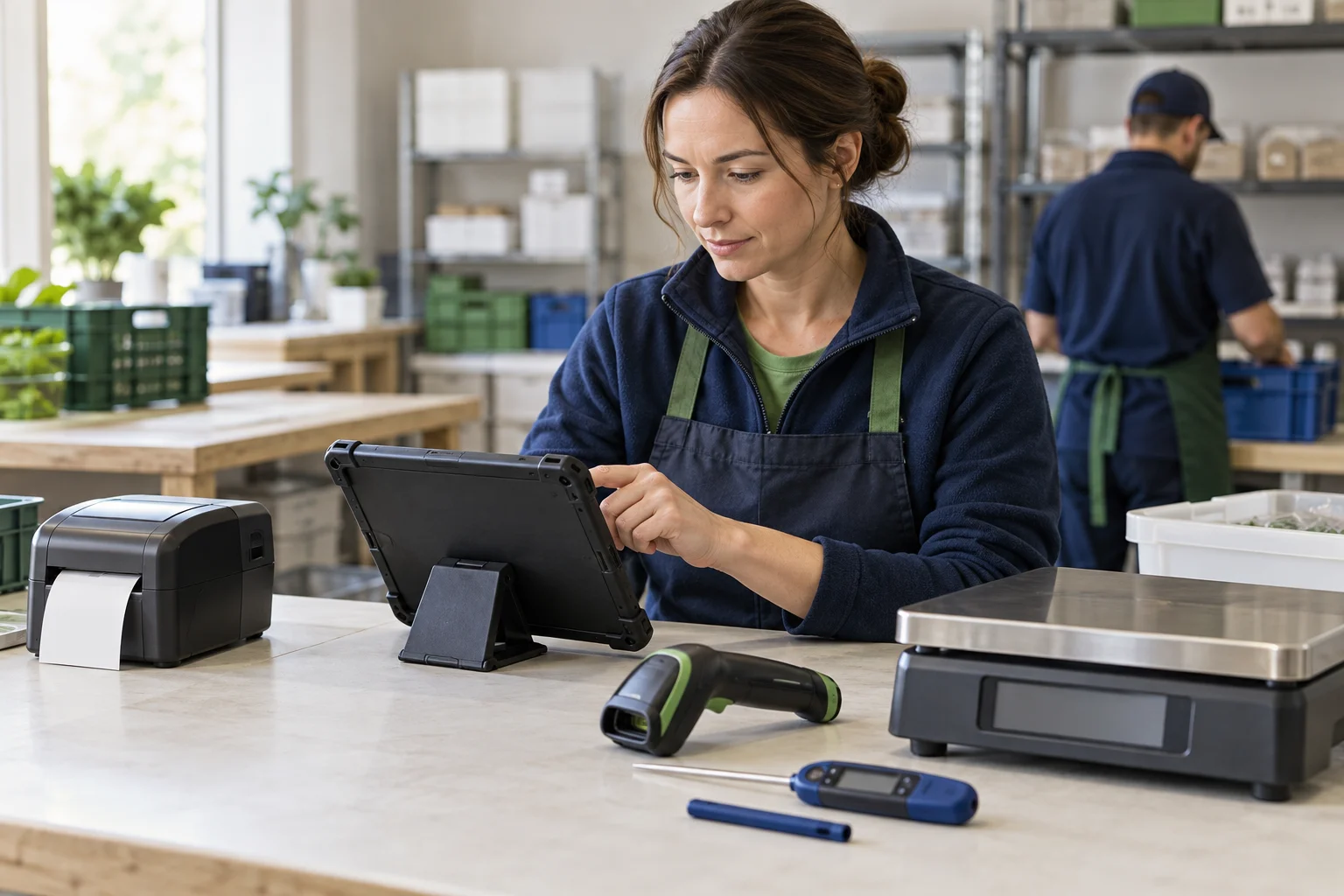
Business tablets, rugged models, stands, protective cases and charging stations.
Probe thermometers, temperature loggers, scales and instruments suited to your process.
Barcode scanners, mobile terminals and label printers for merchandise and equipment.
Equipment offerings and pricing are to be confirmed. Automatic readings depend on the device and a validated integration. Without a direct connection, values can be entered manually in the form.
Business sales and administrative activity.
Forms, evidence and daily supervision.
Employee onboarding, courses and procedure updates.
These connections are part of the development roadmap and are not active in this presentation.

No. The design includes guided form building, templates and explanations inside the application. Administrators bring their knowledge of the operation.
Yes. The design supports devices by location and area, with employee identification and specific permissions.
Plans will be defined after the pilot, with predictable costs based on scope and usage. Final pricing has not been published.
We aim to test the prototype with two or three companies, starting with one location and a few daily checks. Scope, duration and terms will be agreed before the pilot begins.
It is in development. This website presents the project and a demonstration of the approach to help assess needs and pilot opportunities.
Tell us about your processes, locations and equipment so we can assess a pilot.